
Purpose-built applications for Axis cameras — running directly on the camera hardware, not around it. Nothing phones home, nothing needs the cloud, nothing needs an account.
Now Axis-signed — verified by the camera itself
A milestone for the project: all four Everstra modules — Live, Overlay, Capture and Hub — are now digitally signed and countersigned by Axis Communications. Every app you download here is verified by the camera against Axis’s own trust chain before it ever runs — so you can be certain it comes from a trustworthy source and reaches your device untampered.
- Verified before it runs. The camera checks the signature against Axis’s own trust chain — from the device’s firmware up to the application — before the app is ever allowed to start.
- Countersigned by Axis. Origin and integrity are confirmed by the camera’s firmware, not just claimed by us.
- Runs on hardened cameras. Installs even where unsigned apps are refused — the strict setup security teams require.
- Ready for professional networks. Signed delivery is a key prerequisite for use in corporate and enterprise camera environments.
Nothing leaves the camera until you say so
Everstra only sends data where you deliberately send it — to your streaming destination, your own server, or a service you switch on yourself. No vendor server, no telemetry, no cloud in between. Until you configure something, nothing leaves the camera.
- No analytics. No first-party analytics, none from Google — none inside the app.
- No telemetry. No camera serial numbers, no firmware or usage data collected — ever.
- No account. No login, no profile. The free licence is tied to your camera and requested by email.
- Shown, not hidden. The built-in privacy manager lists every connection each module opens, from your own configuration — exportable, always visible.
Modules
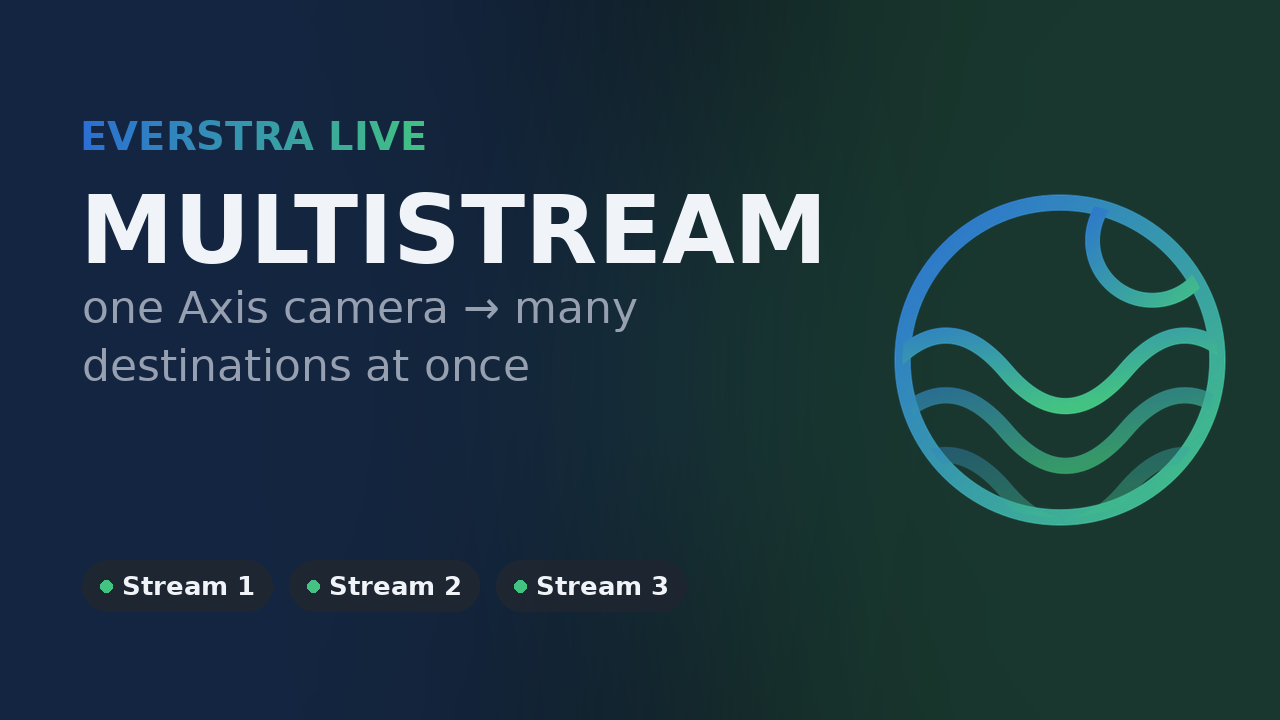
Everstra Live Free
Run up to three independent streams from one Axis camera — each with its own destination, resolution and view area. To YouTube, Facebook, Twitch or your own server, encrypted if you want it. Directly from the sensor, no PC or intermediate server required.
Now Axis-signed — verified by the camera before it runs.
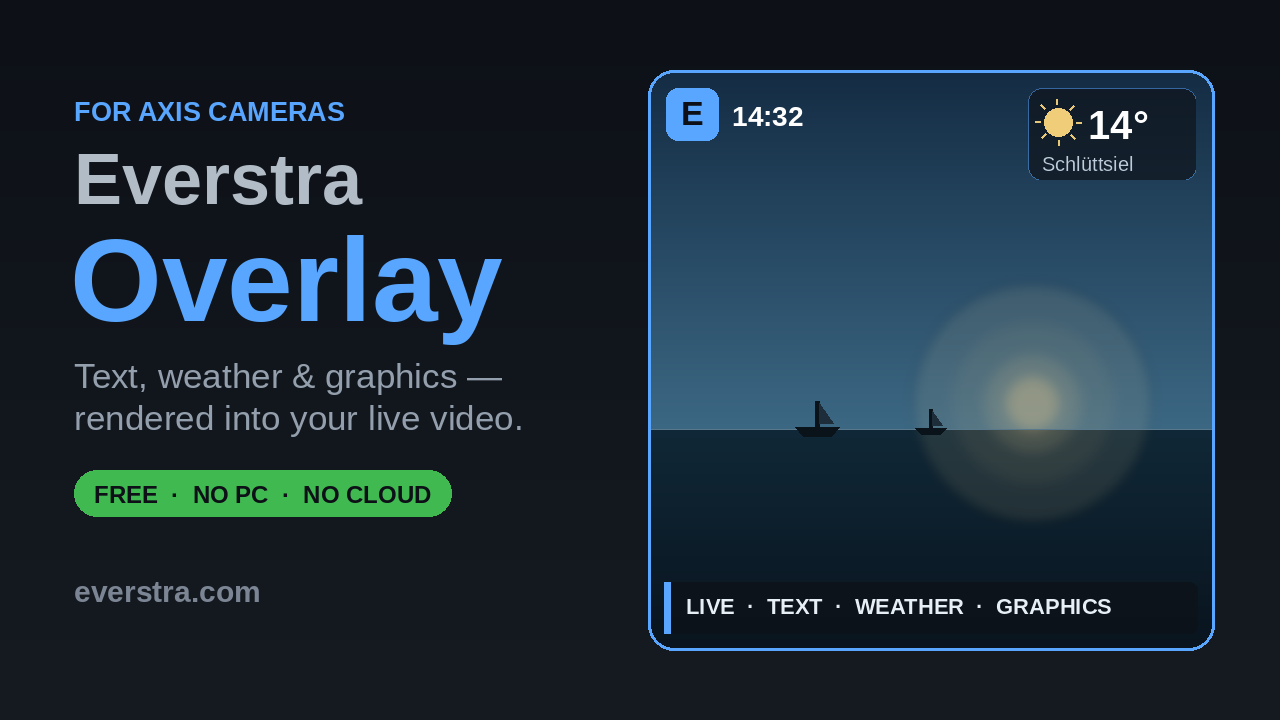
Everstra Overlay Free
Place text and graphic overlays directly on the video stream — rendered by the camera itself, not by an external system. Scrolling text crawl via the Skia rendering engine, image overlays, time variables, a media manager, and a weekly scheduler with sunrise/sunset automation. Up to 5 text, 5 graphic and 2 weather overlays — the camera limits how many can be active at the same time.
Now Axis-signed — verified by the camera before it runs.
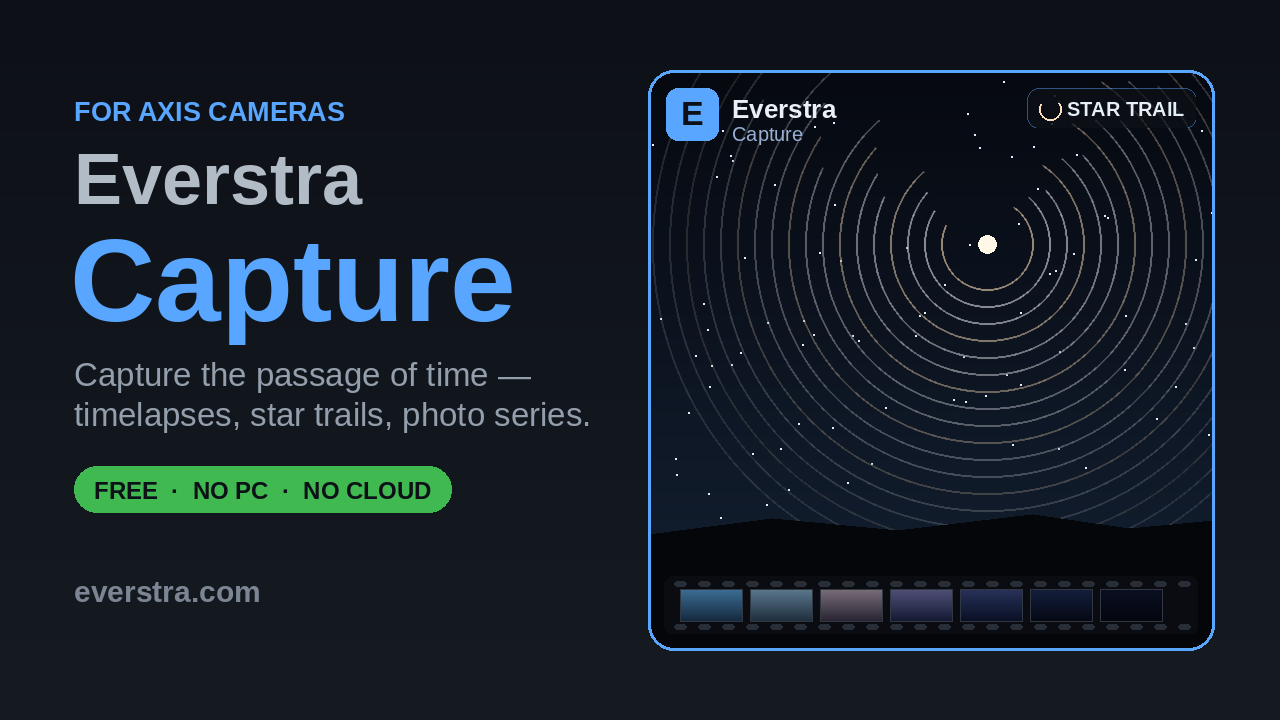
Everstra Capture Free
Scheduled photo and video capture, running on the camera itself. Four independent modes: Long Term for hourly or custom-rhythm snapshots over weeks to years, Startrail for automatic nightly star-trail composites, Timelapse for scheduled interval capture encoded to H.264 MP4 on the camera, and Intraday for a continuously updated rolling clip. One shared media library, storage management with an optional low-space email warning, and FTP upload for finished results.
Now Axis-signed — verified by the camera before it runs.
Everstra Hub Free
Everything your Axis camera knows, in Home Assistant. Hub publishes the status of Everstra Live, Overlay and Capture and the camera’s own metrics — temperatures, load, storage, stream settings and more, chosen value by value — to your own MQTT broker, and takes commands back into the camera. TLS-encrypted, and across sites through Tailscale.
Now Axis-signed — verified by the camera before it runs.
Privacy by architecture, not by promise
- No phone-home. No telemetry, no usage reporting, and no third-party analytics of any kind — nothing goes to the developer. The outbound connections are the ones you set up yourself: your stream to the target you choose, the optional failover heartbeat, e-mail notifications and file uploads to servers that are yours — and, if you switch on the weather overlay, a request to Open-Meteo, a third-party service that then receives your camera's coordinates. Every one of them is optional and can be turned off.
- No cloud dependency. The apps run on the camera itself. No account required, no subscription, no external service to keep running — and no vendor server between your camera and wherever you send your video.
- Free hardware-bound license — one email, no recurring cost. Licenses are tied to individual camera hardware and issued free of charge. Request one by email from the app's settings page — no account, no form, no payment.
- Every connection visible. The built-in privacy manager lists what each module opens, from your own configuration — out in the open, not hidden away.
- Verifiable binaries. SHA-256 checksums are published alongside every release so you can verify the file you download matches the published build.
- Transparent third-party components. All bundled open-source libraries are listed with their licenses in the Third-Party Notices. The corresponding source code is available for download on the download page.
This website uses self-hosted Umami analytics — no cookies, nothing stored on or read from your device, and no recognition across days. IP addresses are not stored. No data is shared with third parties. Privacy Policy →