
Everstra Overlay Free
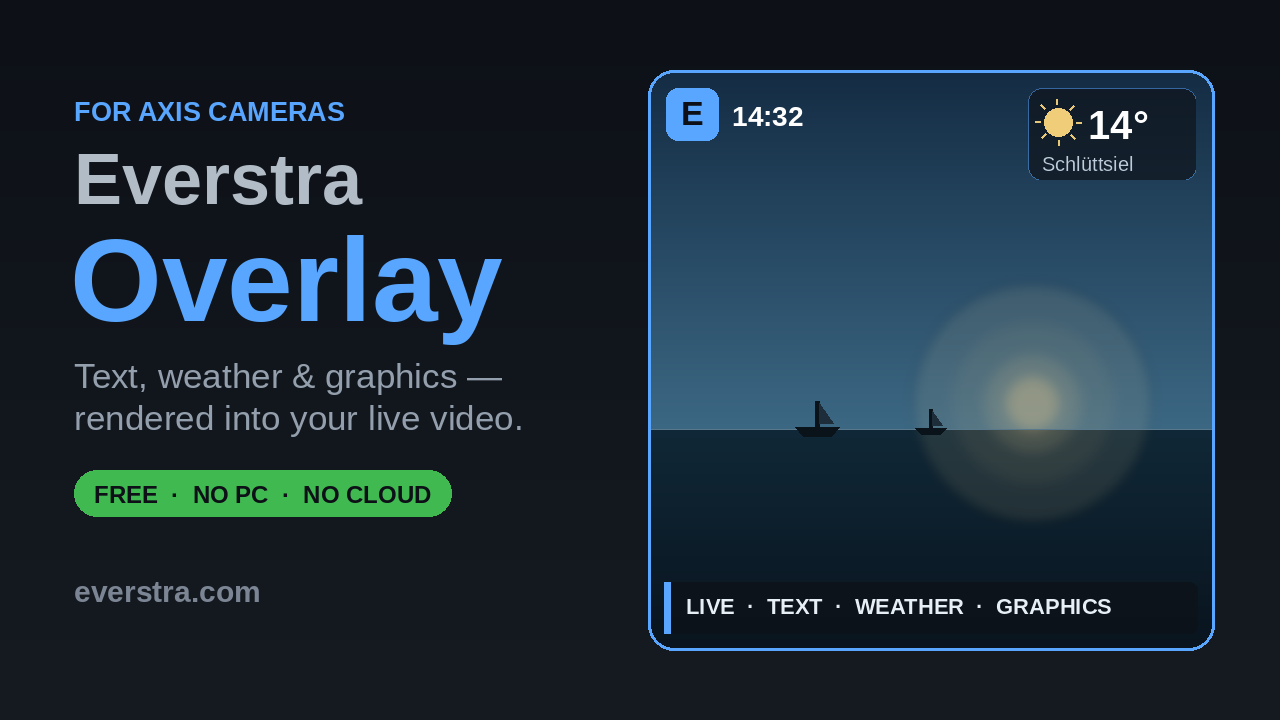
On-camera text and graphic overlay management for Axis cameras. Rendered directly on the video stream by the camera hardware — no PC, no cloud, no external software required. Nothing phones home — no telemetry, no analytics, no account.
Now Axis-signed NEW IN 0.3.3
Everstra Overlay is now a digitally signed ACAP application, countersigned by Axis Communications. The camera verifies the signature against Axis’s own trust chain — from the device’s firmware up to the application — before the app runs, and it installs even on cameras configured to reject unsigned apps. That makes it ready for use in professional and corporate camera networks.
What it does
- Text overlays with crawl animation — scrolling text rendered at 25 fps via the Skia rendering engine and the Graphics2 DMA-BUF pipeline. Left-to-right or right-to-left, with 10 speed levels
- Graphic overlays — place PNG images anywhere on the video stream, with configurable position, size and corner radius
- Weather overlay — live conditions from Open-Meteo in five layouts (compact, current + clock, sunrise/sunset, wind, and a detailed multi-value card). No API key or account required. Per-overlay units, language, colour scheme, time format and font, with automatic day/night icons. Off by default: switching it on takes an explicit confirmation, because the camera then sends the coordinates you configured to Open-Meteo — a third-party service
- Up to 5 text, 5 graphic and 2 weather overlays, each with its own settings — the camera limits how many overlays can be active at the same time
- Time variables in text overlays — embed the current date and time using placeholders like #YYYY, #MM, #DD, #hh, #mm, #ss
- Media Manager — upload, rename and delete images and fonts, on internal storage or SD card
- Scheduler — weekly plan per overlay, 24-hour matrix with per-hour control, sunrise/sunset automation, and date exceptions
- Backup & Restore — export and import all overlay, scheduler and media settings as JSON; download all media files as a ZIP archive
- Stream-based live preview — see exactly what the overlay looks like on the video stream, directly in the browser
- Web UI accessible directly from the camera's settings page — no separate app or login required
- Auto-save — all settings are persisted immediately
- Dark mode
- Privacy manager: every connection Overlay opens, at a glance — exportable, always visible
Requirements
- Axis camera with ACAP support. AXIS OS 11.11 (LTS 2024) or later
- Architecture: aarch64 (most current models) or armv7hf — see the list of supported models
- A license key — issued free of charge, bound to camera hardware
Screenshots
 Dashboard / Modules
 Graphic Overlay
 Scheduler
 Media Manager