
Everstra Capture Free
On-camera scheduled photo and video capture for Axis cameras. Four independent recording modes running directly on the camera hardware — no PC, no cloud, no external software required.
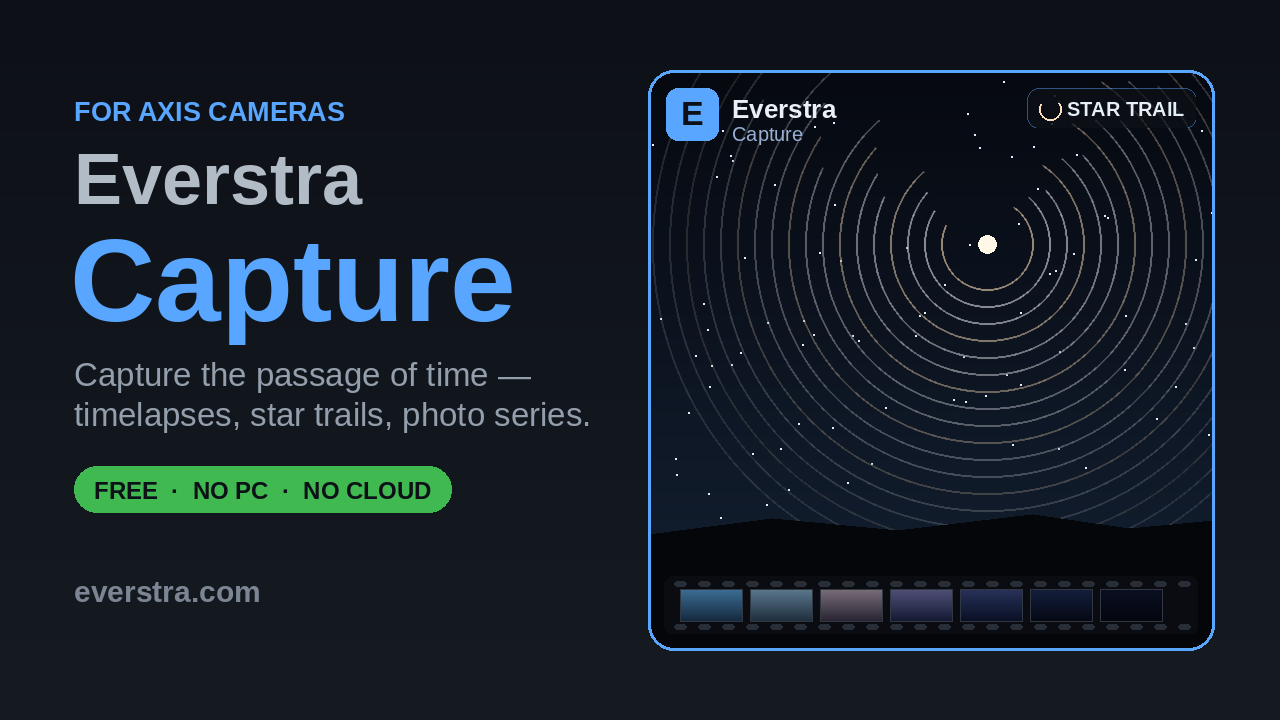
What it does
- Long Term — scheduled snapshots on an hourly or custom rhythm over weeks, months or years. Configurable date range, capture window, resolution and storage location per job
- Startrail — one automatic star-trail composite per night, timed to sunset/sunrise at the camera's location. Raw frames are archived, never discarded, so a night can be recomposited later with different settings
- Timelapse — scheduled or continuous interval capture, encoded into H.264 MP4 video on the camera. Flexible triggers (time window, daylight, night, a fixed lookback period), automatic splitting of long runs, and frame/video retention
- Intraday — a rolling video that always shows the most recent window (e.g. the last 30 minutes), replaced automatically block by block — a continuously up-to-date clip without a growing archive
- Media Manager — one shared library for everything captured, tagged by mode and job, with filtering, ZIP download and deletion
- Storage management — live free-space overview for internal storage and SD card, configurable warn/stop thresholds, and an optional email notification when space runs low
- FTP upload — automatic upload of finished videos and composites to an FTP server, with independent retention on the remote side
- Web UI accessible directly from the camera's settings page — no separate app or login required
- Dark mode
Requirements
- Axis camera with ACAP support. AXIS OS 11.11 (LTS 2024) or later
- Architecture: aarch64 (most current models) or armv7hf
- An SD card is strongly recommended for anything beyond short test runs — internal storage on most cameras is small relative to what continuous recording, startrail archives or timelapse frame sequences need
- A license key — issued free of charge, bound to camera hardware
Screenshots
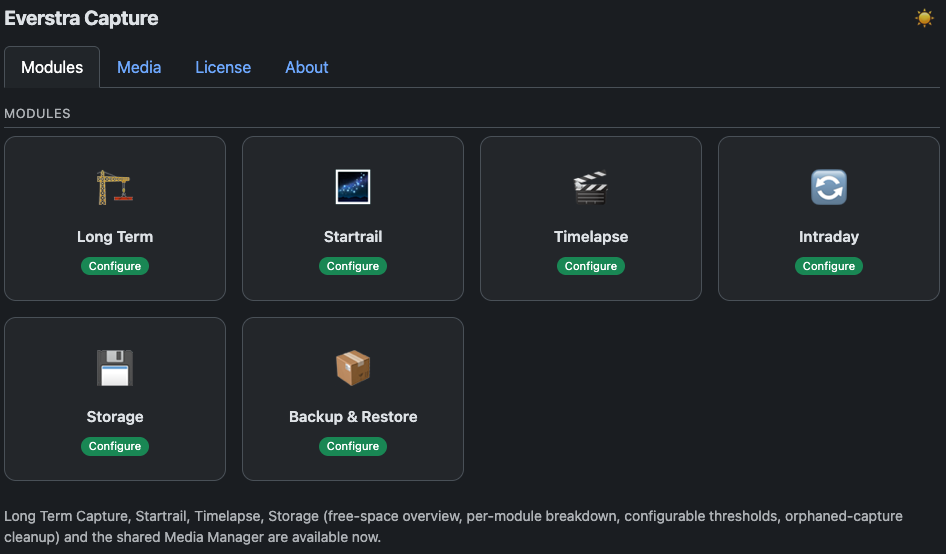 Dashboard / Modules
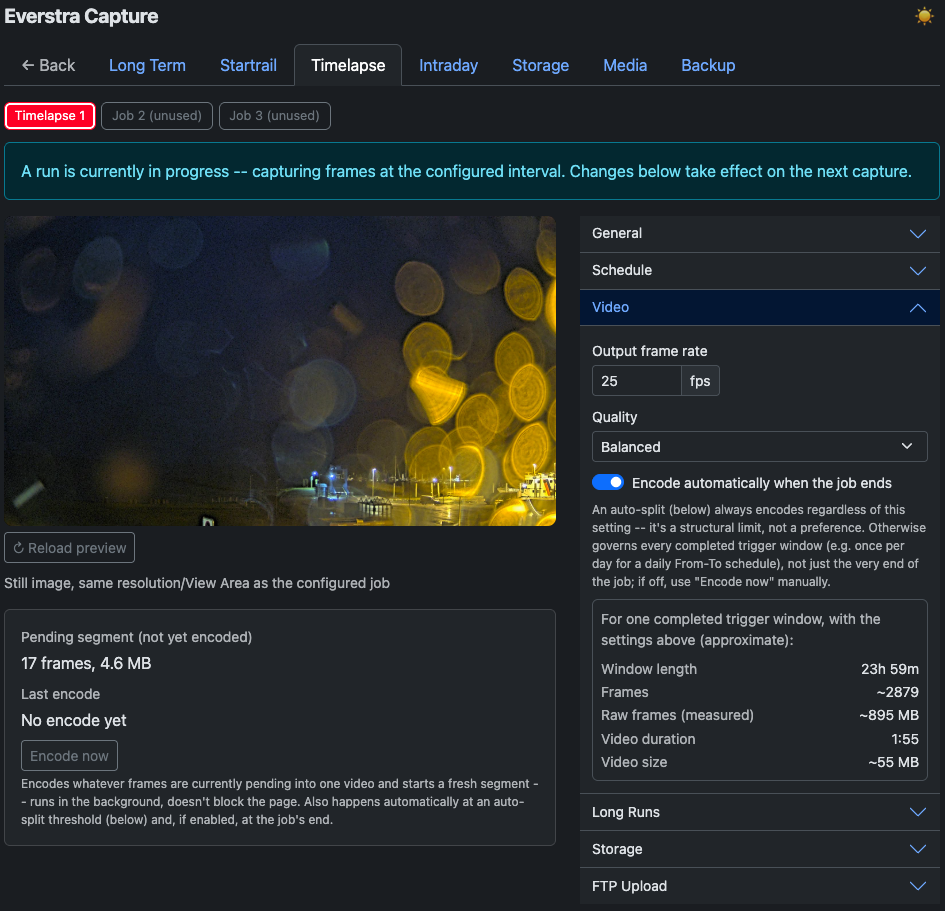 Timelapse Settings
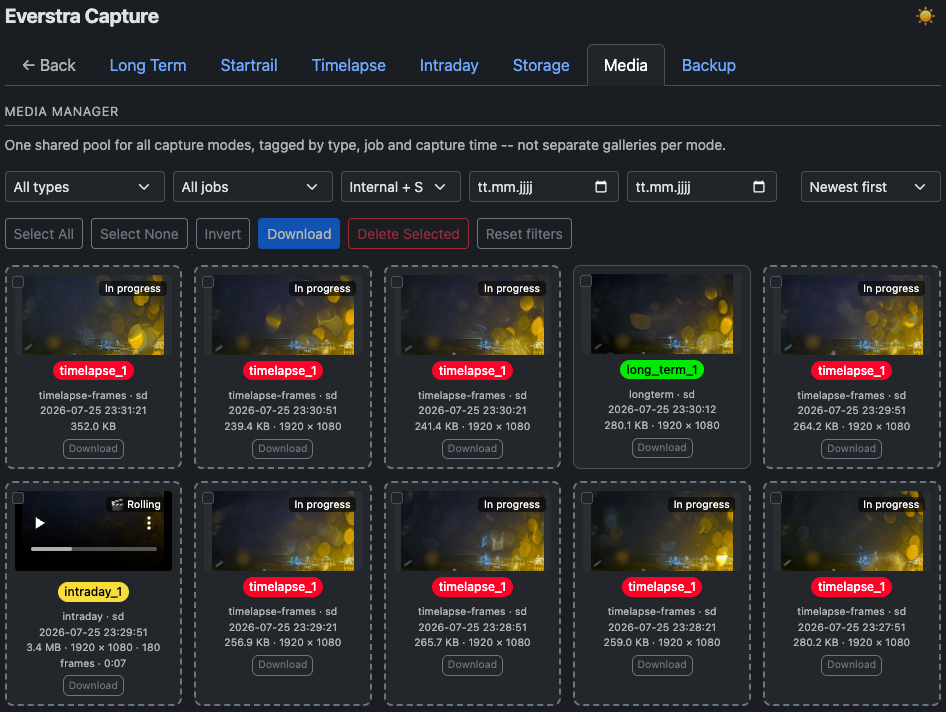 Media Manager
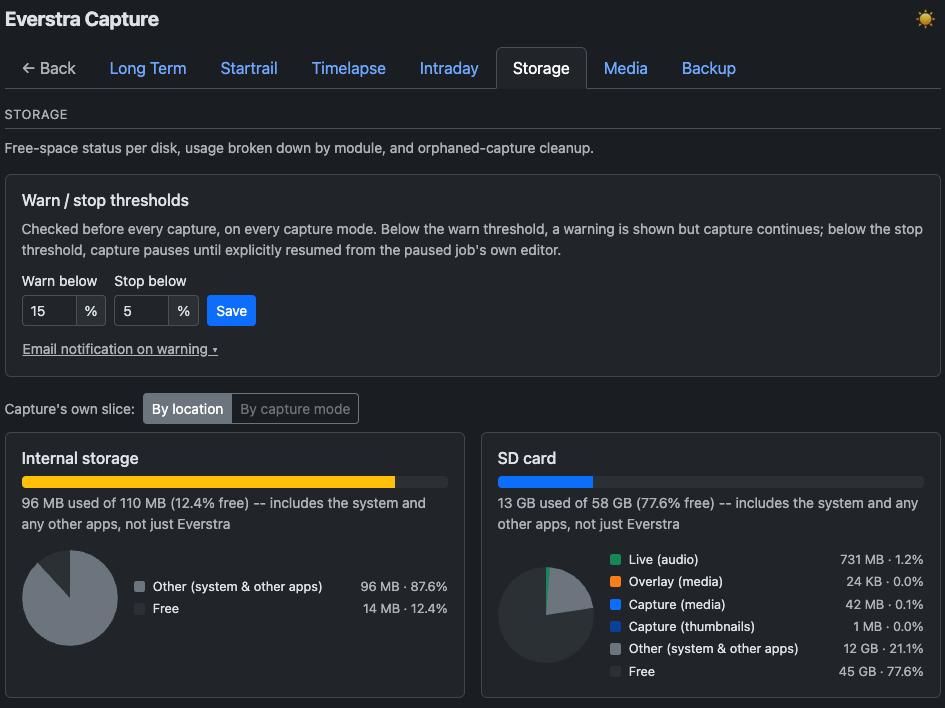 Storage Manager
Third-party components
Everstra Capture bundles its own build of FFmpeg (LGPLv2.1+), the OpenH264 video codec (BSD-2-Clause) and libjpeg-turbo, among other open-source components. See the full Third-Party Notices for details. The corresponding source code is available on the download page.